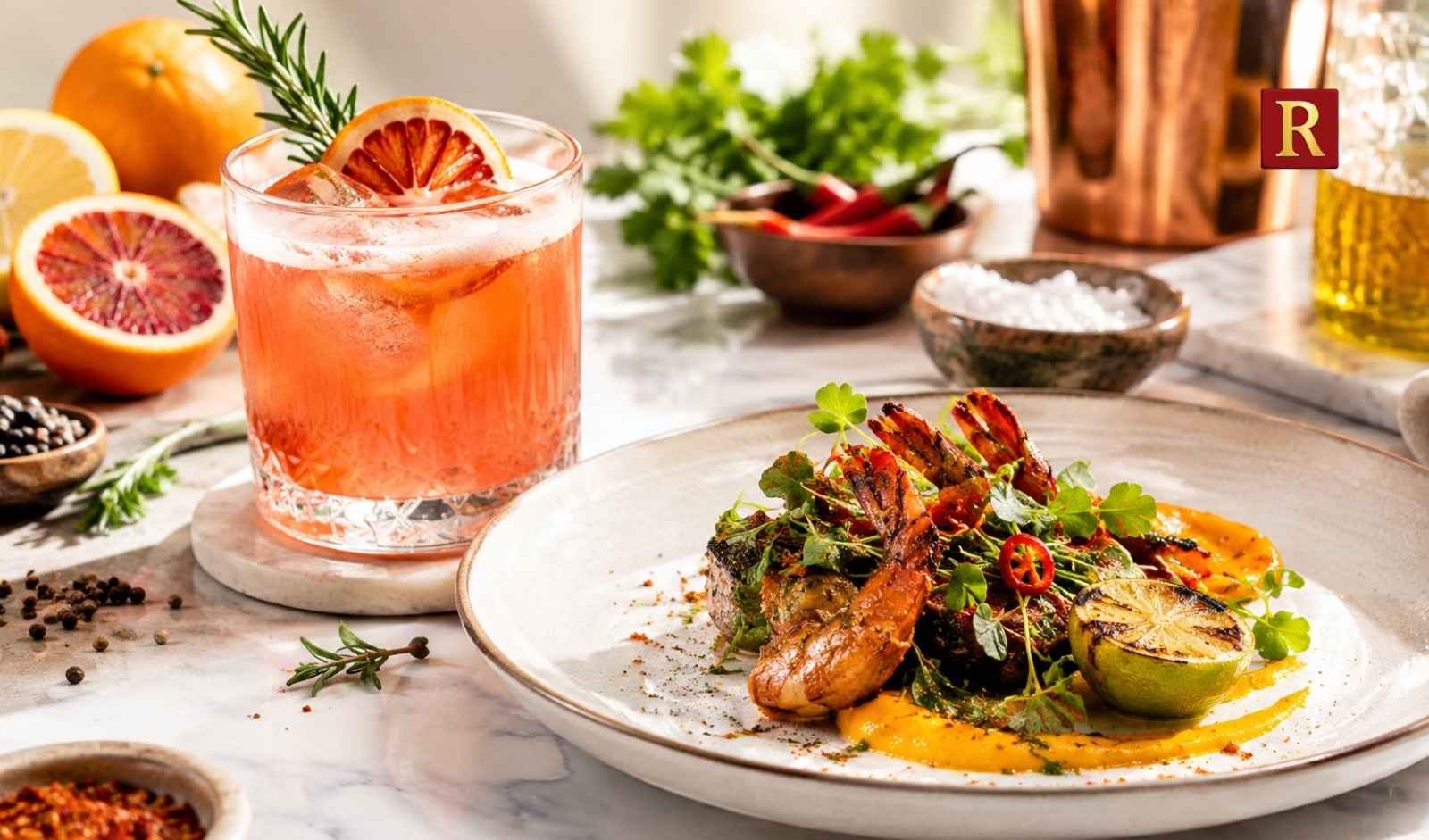
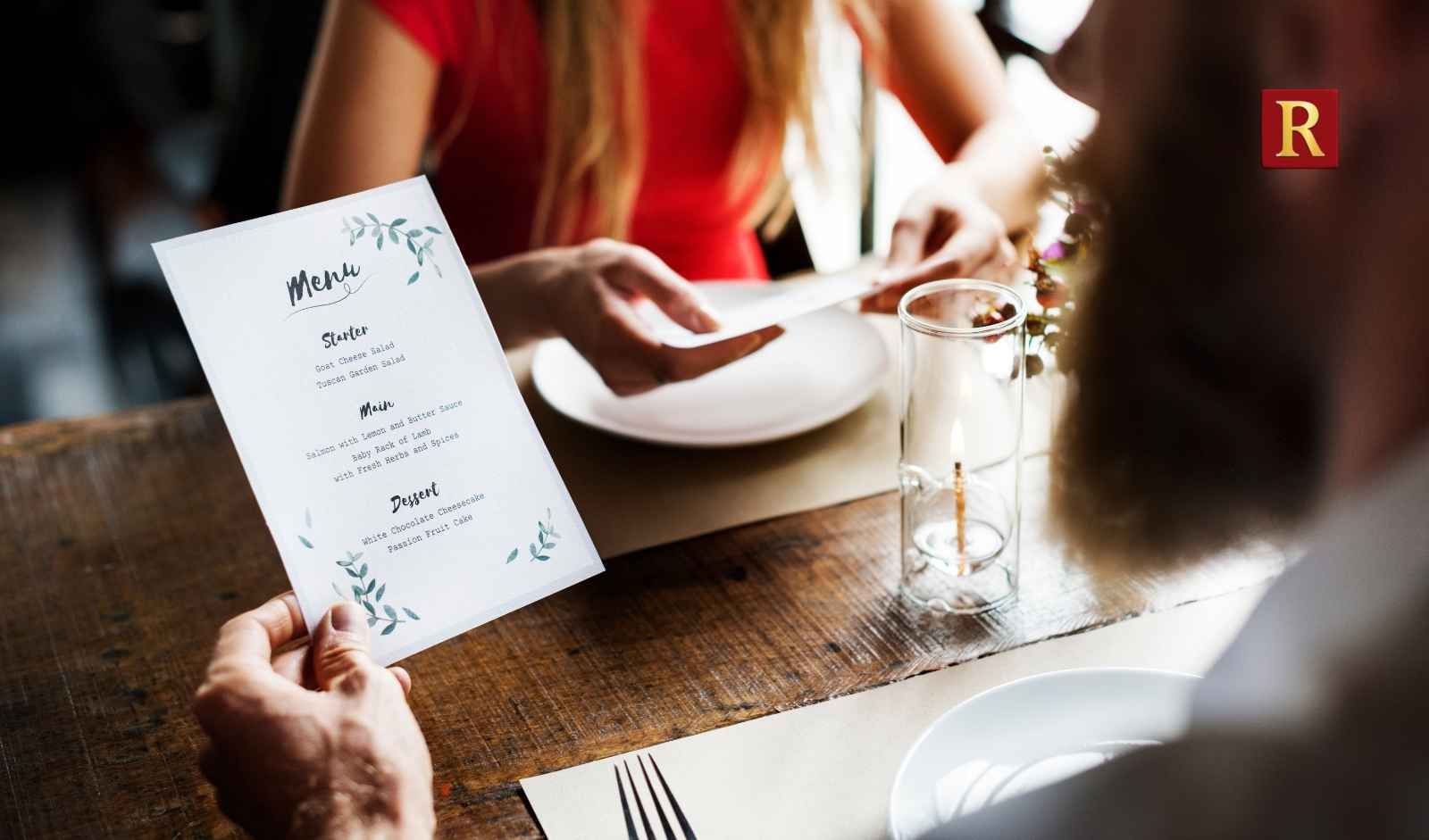
Restaurants are constantly looking for ways to increase revenue without opening new outlets or expanding their existing spaces. While most restaurant businesses focus on increasing table occupancy, improving average order value and attracting more walk-in customers, another opportunity is gaining attention: private dining. Private dining allows restaurants to sell exclusive experiences through dedicated rooms, chef's tables, semi-private spaces and full restaurant bookings. Customers are not just paying for food but also for personalised menus, dedicated service, privacy and customised experiences.
For restaurant brands, this creates an opportunity to generate additional income from spaces and resources they already have. A private dining room can host corporate meetings during weekdays, family celebrations during weekends and exclusive tasting sessions during special occasions. The business opportunity goes beyond luxury hospitality. Restaurants can use private dining to improve space utilisation, attract high-value customers, build corporate relationships and create repeat bookings. However, the real question is whether private dining can generate enough incremental revenue to justify its operational costs.
Why Private Dining Is Becoming a Business Opportunity for Restaurants
Dining habits are changing, with customers increasingly looking for experiences that offer something beyond a regular restaurant visit. Group celebrations, business meetings, family gatherings and personalised food experiences are creating opportunities for restaurants to offer more exclusive arrangements. According to OpenTable's 2025 dining trends findings, group dining bookings increased 11 percent year-on-year, while private dining inquiries more than doubled over the previous year. These findings indicate growing interest in organised group experiences in the US market.
For restaurant operators, this creates several business opportunities:
Higher-value bookings: Private dining can generate larger bills through group reservations and customised menus.
Better space utilisation: Underused rooms and semi-private sections can become revenue-generating spaces.
Corporate relationships: Restaurants can attract companies looking for regular business dining venues.
Premium experiences: Chef-led menus and personalised services can support premium pricing.
Repeat customers: Family celebrations and corporate events can create long-term booking relationships.
Private dining can therefore become an additional revenue channel rather than an occasional service offered to customers.
Beyond Birthdays: Who Is Driving Demand for Private Dining?
Private dining is often associated with birthdays, anniversaries and family celebrations. However, restaurant brands can target a much wider customer base by developing experiences for different occasions.
1. Corporate Teams and Business Professionals
Corporate dining offers an opportunity to generate repeat business. Companies regularly organise client meetings, leadership discussions, investor gatherings and employee celebrations. Restaurants with private dining facilities can provide dedicated spaces, customised menus and professional service.
Potential customers include:
Corporate leadership teams.
Startups hosting investor meetings.
Companies entertaining international clients.
Marketing agencies organising brand gatherings.
Businesses conducting employee celebrations.
Unlike individual celebrations, corporate bookings can develop into recurring business relationships.
2. Families Celebrating Special Occasions
Families often prefer private spaces for milestone celebrations, including birthdays, anniversaries, reunions and intimate pre-wedding gatherings.
Restaurants can attract these customers through:
3. Food Enthusiasts and Premium Consumers
Some customers are willing to pay for exclusive culinary experiences rather than conventional restaurant service. Restaurants can attract this segment through chef's tables, tasting menus, regional food experiences and ingredient-focused dinners.
4. Brands and Event Organisers
Private dining spaces can also become destinations for product launches, media gatherings, influencer events and premium brand collaborations. This allows restaurants to explore partnerships with lifestyle, fashion, food and beverage companies.
How Restaurant Brands Can Monetise Private Dining Spaces
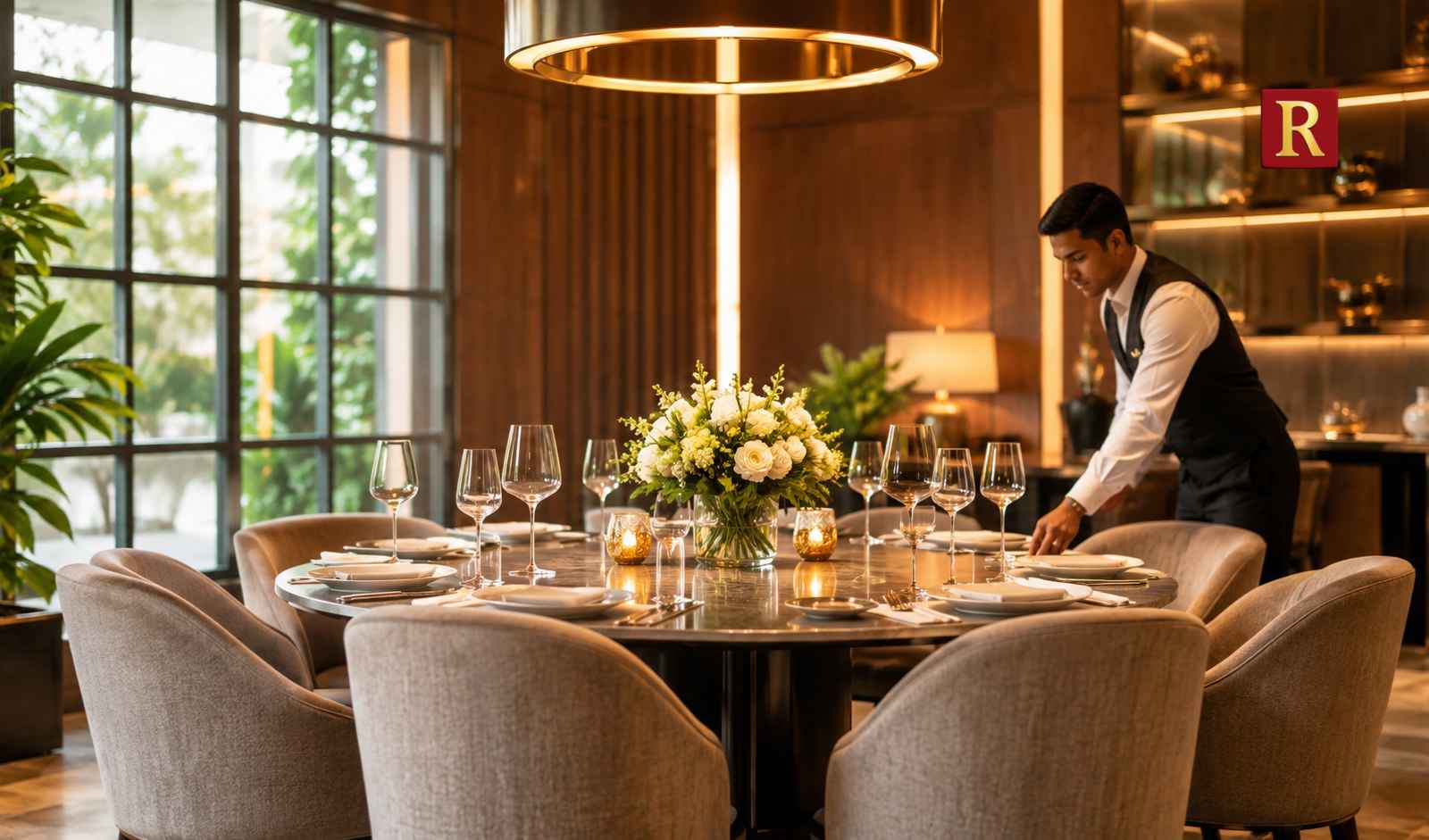
Restaurants do not necessarily need to build expensive new facilities to enter the private dining business. They can start by identifying existing spaces that can be converted into exclusive booking areas. Different formats offer different revenue opportunities.
Private dining format | How it works | Revenue opportunity |
Private dining room | Exclusive room for a group | Minimum food and beverage spending |
Semi-private dining | Dedicated section within the restaurant | Premium group reservations |
Chef's table | Special dining experience led by a chef | Higher per-person pricing |
Corporate dining | Dedicated business dining arrangements | Repeat bookings |
Restaurant buyout | Entire restaurant reserved for one event | Guaranteed minimum spending |
Experiential dining | Interactive menus and culinary sessions | Experience-based pricing |
Brand collaboration dinner | Exclusive event organised with another brand | Event fees and sponsorships |
Turning Underutilised Spaces Into Revenue
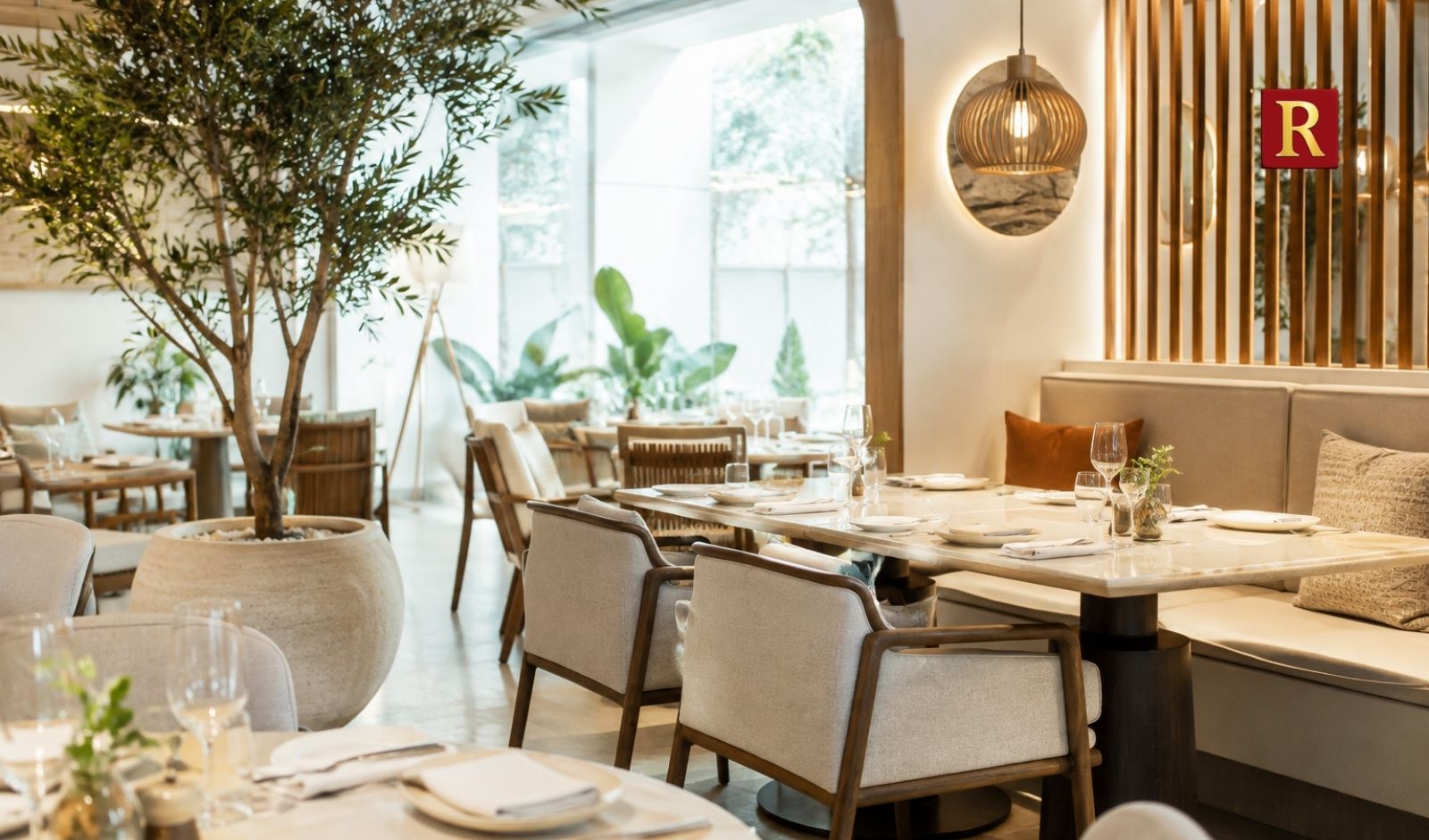
A restaurant may have a separate room, rooftop section, terrace or corner that remains unused during regular service. Instead of treating these areas as additional infrastructure costs, operators can introduce bookable private dining experiences.
For example:
A separate room can host weekday corporate lunches.
A rooftop section can accommodate intimate celebrations.
A chef's counter can offer limited-seat tasting experiences.
A semi-private section can serve larger family groups.
This approach can improve revenue per square foot without requiring a new restaurant location.
Private Dining vs Regular Dining: What Is the Business Difference?
Private dining operates differently from conventional restaurant service. While regular dining depends largely on individual table orders and customer footfall, private dining focuses on group bookings, exclusive arrangements and customised experiences.
Parameters | Regular dining | Private dining |
Booking pattern | Walk-ins and table reservations | Advance group bookings |
Customer experience | Standard restaurant service | Personalised service |
Menu | Regular à la carte or set menu | Curated or customised menu |
Revenue model | Individual bills | Minimum spend, package or room charges |
Customer segment | Individuals, couples and groups | Corporate clients, families and premium groups |
Service style | Standardised operations | Dedicated service |
Revenue predictability | Depends on daily footfall | Confirmed bookings offer greater predictability |
Marketing approach | Daily promotions and customer acquisition | Event bookings and relationship marketing |
The biggest difference is the revenue structure. Private dining allows restaurants to secure a minimum booking value before an event, making it easier to plan ingredients, staffing and service requirements. However, advance bookings do not automatically mean higher profitability. Restaurants must account for additional staffing, preparation and the regular business they may lose by reserving space.
Can One Private Dining Room Generate Rs 3 Lakh a Month?
One of the biggest attractions of private dining is its potential to generate additional revenue without opening another outlet. Consider a hypothetical restaurant with a 20-seat private dining room.
Illustrative monthly revenue calculation:
Particulars | Assumption |
Seating capacity | 20 guests |
Average spend per guest | Rs 2,000 |
Revenue per booking | Rs 40,000 |
Monthly bookings | 8 |
Monthly gross revenue | Rs 3,20,000 |
Annual gross revenue | Rs 38,40,000 |
At eight bookings per month, the restaurant could generate Rs 3.2 lakh in monthly gross sales from this single space. This calculation assumes every booking is fully occupied and achieves the targeted spending.
But How Much of This Revenue Becomes Profit?
Gross revenue should not be confused with actual earnings. Restaurants must deduct the costs associated with delivering each private dining experience.
Major expenses include:
Food and beverage costs.
Additional service staff.
Kitchen preparation.
Special décor and arrangements.
Linen, crockery and cleaning.
Marketing and booking commissions.
Utilities and room maintenance.
Restaurants should calculate the contribution from each event after direct costs and compare it with the contribution they would have earned through regular dining. For example, a private booking worth Rs 40,000 may not be attractive if it replaces regular service that could have generated an equal or higher contribution.
The Role of Minimum Guaranteed Spending
Minimum guaranteed spending can help restaurants protect their revenue when customers reserve exclusive spaces. For example, a restaurant may require a group to commit to a minimum food and beverage bill of Rs 35,000 for a private room. If the final bill is lower, the agreed minimum may still apply, subject to the booking terms.
This model helps operators:
Reduce the risk of low-value bookings.
Plan food procurement.
Allocate staff efficiently.
Protect the commercial value of exclusive space.
Improve revenue predictability.
Corporate Dining: An Opportunity for Repeat Business
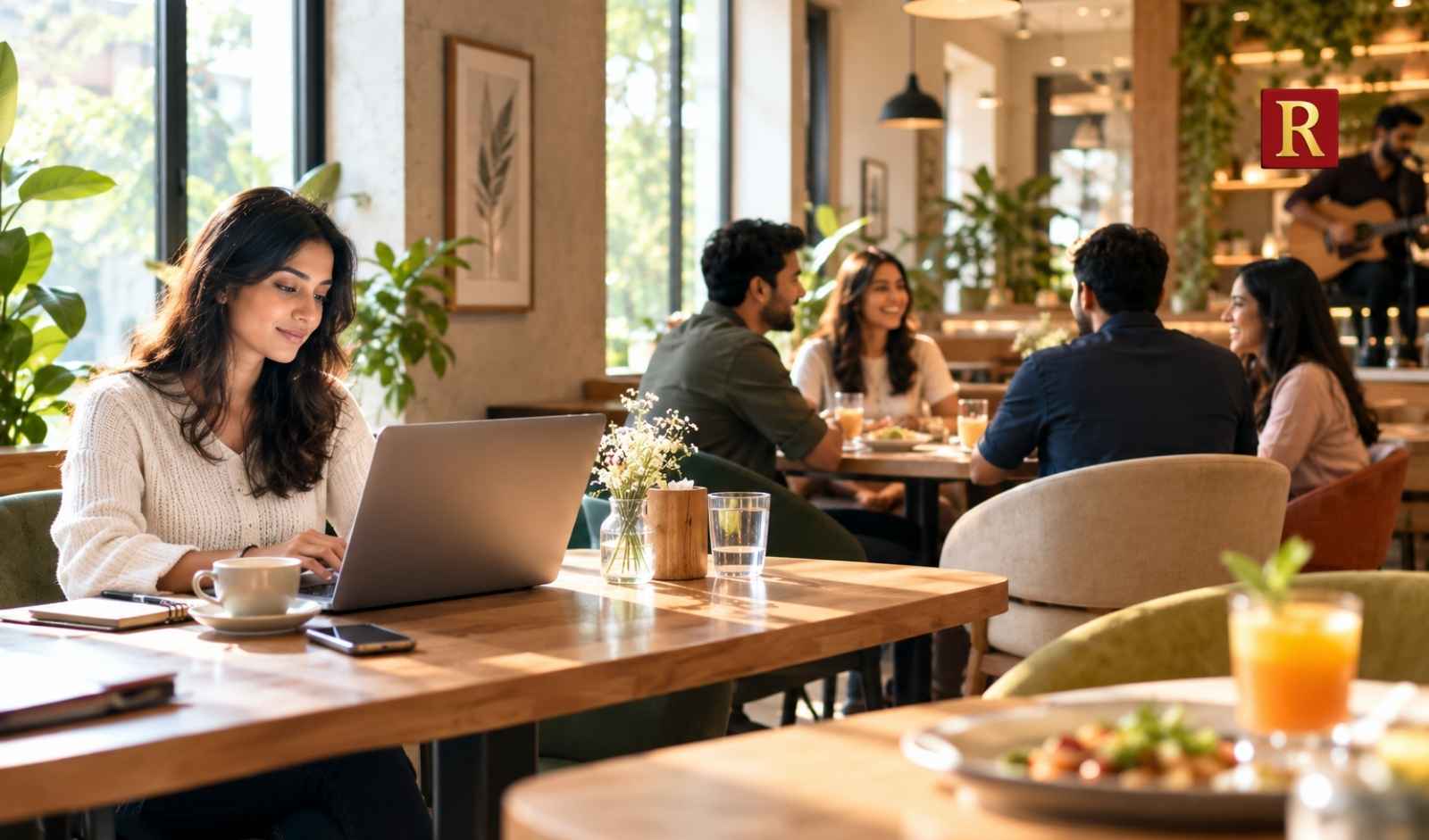
Corporate dining could become one of the most interesting revenue opportunities for restaurant brands. Companies regularly need venues for business meetings, client entertainment, leadership discussions and team celebrations. Restaurants can position private dining rooms as alternatives to conventional meeting spaces by combining food, hospitality and professional arrangements. Unlike occasional birthday celebrations, corporate dining can create repeat bookings throughout the year.
How Restaurants Can Build Corporate Accounts
Restaurant brands can introduce structured corporate dining programmes.
Some possible offerings include:
Fixed-price business lunch packages.
Executive dinner menus.
Private spaces for leadership meetings.
Customised client entertainment packages.
Annual corporate dining memberships.
Dedicated event booking support.
For restaurant operators, the objective should be to build relationships with companies rather than depend entirely on individual event enquiries. A company that organises one successful client dinner may return for quarterly meetings, annual celebrations and other business occasions.
Chef's Tables
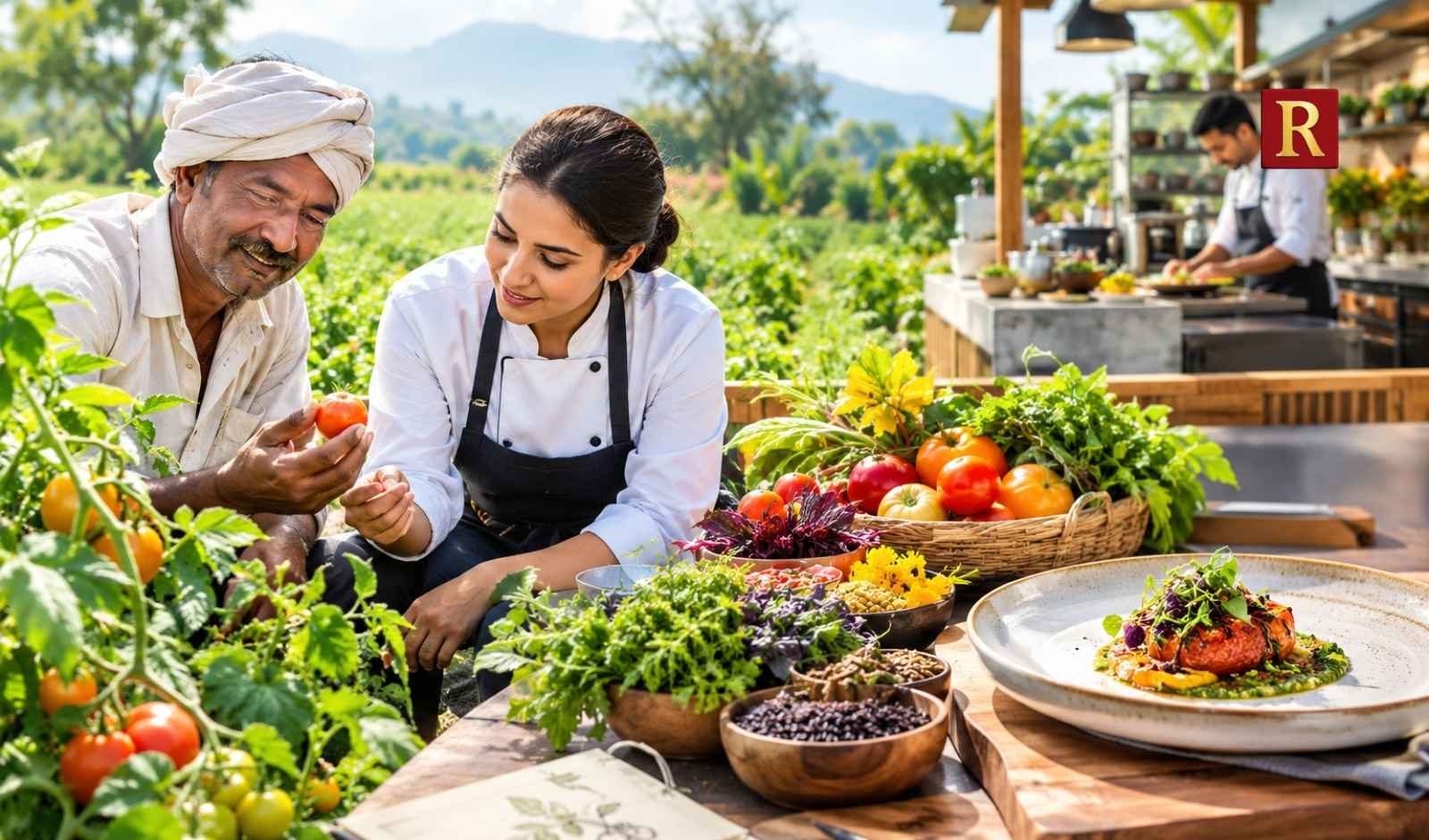
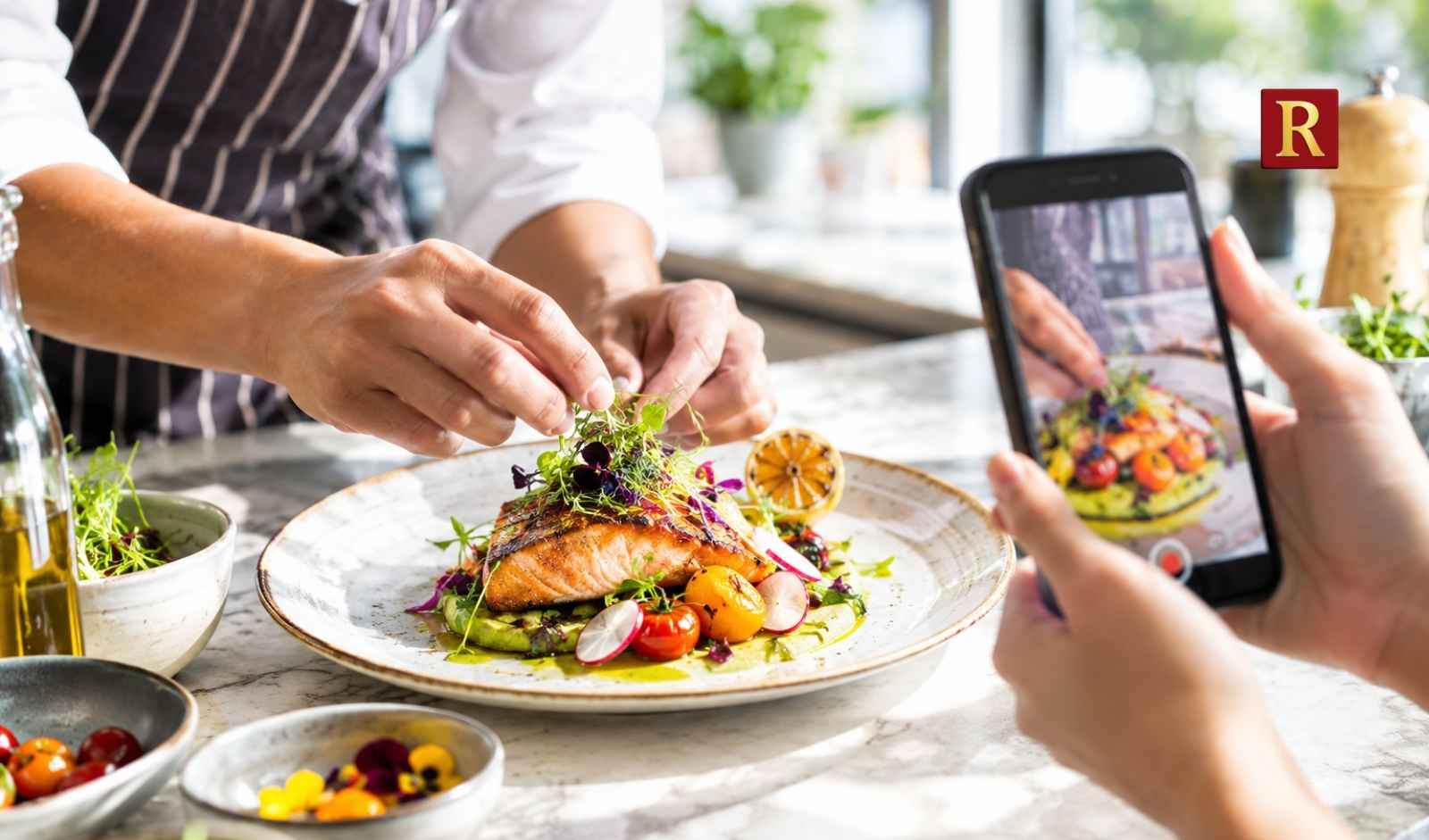
Private dining also creates an opportunity to monetise the chef's expertise. A chef's table is an exclusive dining format in which guests experience a specially designed menu, often with interaction with the chef and explanations of ingredients, preparation techniques and food origins. Restaurants can develop different experiences around this concept.
What Can Restaurants Offer?
Tasting menus: A sequence of specially curated dishes.
Regional cuisine dinners: Experiences based on lesser-known Indian food traditions.
Ingredient-led menus: Meals built around seasonal or premium ingredients.
Live preparation: Selected dishes prepared in front of guests.
Chef interactions: Discussions about culinary techniques and menu development.
Food pairing experiences: Carefully selected beverage and food combinations.
These experiences can help restaurants differentiate their offerings and attract customers willing to spend more on personalised dining. The commercial advantage is that restaurants can sell expertise and exclusivity alongside food.
Five Untapped Private Dining Opportunities for Indian Restaurant Brands
Private dining does not need to remain limited to luxury celebrations. Restaurant operators can experiment with new formats that appeal to different customer groups.
1. Regional Food Heritage Dinners
Indian restaurants can introduce exclusive dining sessions around regional cuisines. For example, a restaurant could organise a curated Chettinad dinner, an Awadhi food experience or a traditional Konkan menu. This can help brands showcase regional ingredients, traditional cooking methods and lesser-known dishes.
2. The Boardroom Dining Concept
Restaurants can position their private rooms as business meeting destinations.
The offering could include:
Private seating.
Presentation facilities.
Fixed lunch menus.
Dedicated service.
Flexible booking hours.
This could help restaurants attract weekday corporate customers when regular dining demand may be relatively low.
3. Kitchen Access Experiences
Restaurants can offer limited-seat experiences where guests get a closer look at food preparation. Guests could interact with chefs, understand ingredient selection and experience selected cooking techniques. This creates a premium product without necessarily requiring an entirely new dining format.
4. Festival-Based Private Dining
Indian festivals create opportunities for customised group dining. Restaurants can develop special packages around Diwali, Eid, Christmas, Onam, Baisakhi and other regional celebrations. Instead of relying only on regular festive footfall, brands can target families and corporate groups looking for exclusive celebrations.
5. Brand Collaboration Dinners
Restaurants can collaborate with premium food, beverage, fashion and lifestyle brands to host exclusive dining events.
These collaborations could include:
Such partnerships can generate event fees, sponsorship opportunities and customer acquisition.
Restaurant Buyouts: When the Entire Space Becomes the Product
Some customers want more than a private room. They want an entire restaurant reserved exclusively for their event. Restaurant buyouts allow brands to offer their complete dining space to corporate groups, private celebrations, weddings and premium events. For restaurants, this can generate a larger booking value through a single reservation. However, full restaurant buyouts require careful commercial planning.
Operators must consider:
Total seating capacity.
Minimum guaranteed spending.
Event duration.
Food and beverage requirements.
Additional manpower.
Lost regular dining revenue.
Cleaning and setup time.
A restaurant buyout can be particularly attractive during off-peak hours or on days when regular customer demand is lower. The challenge is to ensure that the event generates more contribution than the regular business it replaces.
How Restaurant Brands Can Price Private Dining Experiences
Pricing is one of the most important decisions in building a private dining business. Restaurants should consider the type of customer, location, seating capacity, menu complexity, service requirements and demand for exclusive spaces. Three pricing models can be considered.
Factors That Influence Pricing
Restaurants should avoid setting prices only by looking at competitors. Pricing should reflect the actual cost of delivering the experience and the contribution required to make the booking commercially viable.
How Technology Can Help Restaurants Manage Private Dining
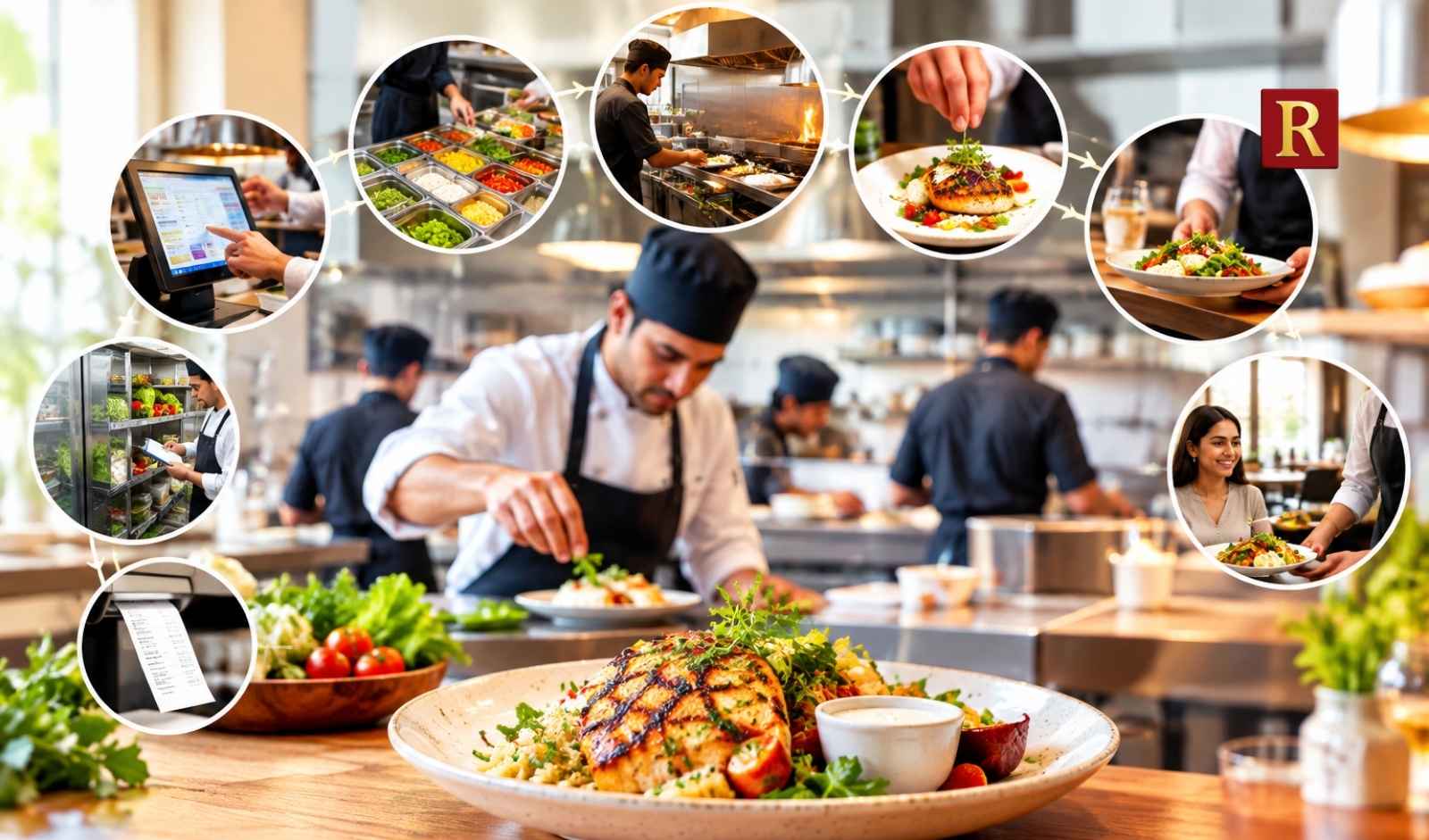
Managing private dining bookings requires more than accepting reservations. Restaurants need systems that can handle enquiries, deposits, menus, guest preferences and event schedules. Technology can make this process easier.
Important Tools and Features
Online booking systems: Customers should be able to enquire about room availability, guest capacity and package details.
Customer relationship management (CRM): Restaurants can maintain records of corporate clients, repeat customers, event preferences and previous bookings.
Digital event menus: Digital menus allow customers to select dishes, customise packages and communicate dietary requirements before the event.
Advance payment systems: Digital deposits and payment links can reduce last-minute cancellations and simplify booking confirmation.
Revenue tracking: Restaurant management systems can track booking value, event frequency, customer spending and space utilisation.
A structured technology system can help restaurants manage private dining as a separate business vertical rather than an informal reservation service.
Challenges That Could Make Private Dining Expensive
Despite its revenue potential, private dining is not a guaranteed profit-making opportunity. Restaurant operators need to understand the operational and financial challenges before investing in dedicated spaces.
High Initial Investment:Dedicated interiors, soundproofing, furniture, lighting and separate service facilities can increase capital expenditure.
Low Booking Frequency: A private room that receives only two or three bookings a month may struggle to recover its operating costs.
Additional Staffing Requirements: Private dining often requires dedicated service staff, kitchen coordination and event management.
Excessive Menu Customisation: Highly customised menus can increase ingredient procurement costs, preparation time and food wastage.
Last-Minute Cancellations: Cancellations can leave restaurants with unused capacity and prepared ingredients. Advance deposits and clear cancellation policies can help reduce this risk.
Competition With Regular Dining: A private booking may occupy space that could otherwise accommodate several regular customers.
Restaurants must compare the contribution from private dining with the revenue potential of normal service before accepting large bookings.
Can Private Dining Become a Scalable Revenue Vertical for Restaurant Chains?
For restaurant chains, private dining offers an opportunity to develop additional revenue streams across existing outlets. However, scaling the concept requires standardised processes.
Brands need to establish:
Standard private dining packages.
Consistent pricing structures.
Centralised booking management.
Defined service standards.
Dedicated corporate sales teams.
Outlet-level revenue targets.
Customer feedback systems.
Restaurant chains can also identify which locations are better suited to private dining. For instance, outlets in commercial districts may attract corporate bookings, while restaurants in premium residential areas may receive more family celebrations and social gatherings. This allows brands to develop different private dining strategies depending on their location and customer base.
The Future
Private dining could become an important part of the restaurant industry's move towards experience-led hospitality. However, its growth will depend on how effectively brands balance customer expectations with operational costs. Restaurants that already have underutilised spaces may find it easier to experiment with private dining than businesses that need to invest heavily in new infrastructure. The opportunity also extends beyond luxury restaurants. Premium casual-dining outlets, hotel restaurants, regional cuisine brands and destination restaurants can all explore exclusive group experiences. Corporate dining, chef-led menus, regional food experiences and brand collaborations could further expand the business model. For restaurant operators, the real opportunity lies in treating private dining as a structured revenue vertical with its own pricing, booking strategy, customer segments and profitability targets. Ultimately, private dining is not just about offering customers a separate room. It is about creating a commercially valuable experience from the space, people and culinary capabilities a restaurant already possesses.